

How to Reset Offers Statistics
You can reset Smart Offers statistics using two ways - reset all offers stats or reset individual offer stats, in click of a button.
Smart Offers allows you to reset your offers stats using two ways:
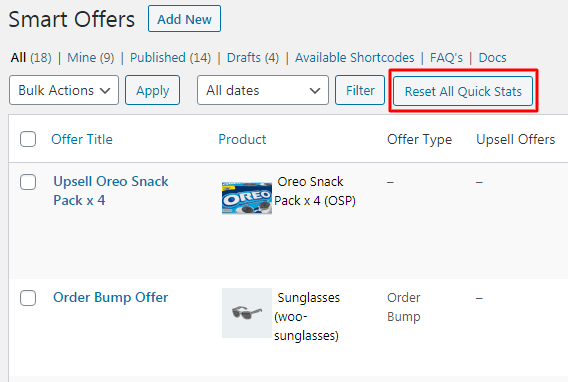
Reset statistics of all offers
Click on ‘Reset All Quick Stats’, button on the dashboard and all your offer stats will be set to zero.
Reset individual offer statistics
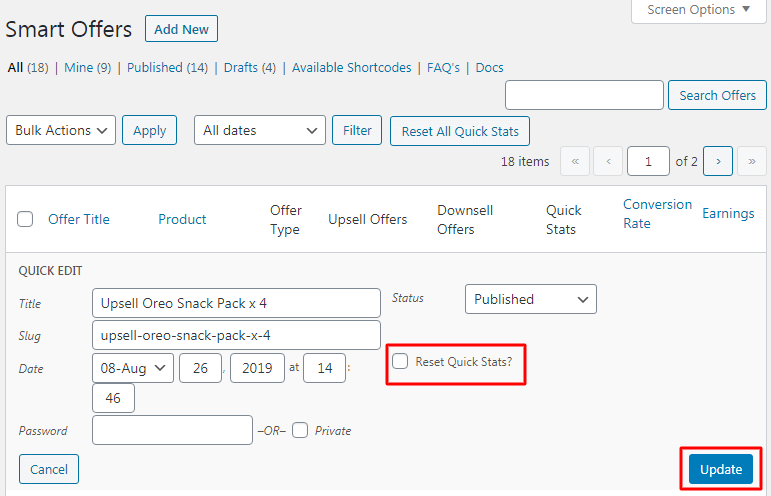
- Hover over any Offer title
- Click on the ‘Quick Edit’ link
- Tick the ‘Reset Quick Stats’ checkbox
- Click on the Update button
This will reset stats of that individual offer.