

How to enable the availability calendar
Smart Rental & Booking for WooCommerce is a WooCommerce extension that lets you turn your online store into a full-featured rental and booking system in minutes.
Smart Rental & Booking for WooCommerce is a WooCommerce extension that lets you turn your online store into a full-featured rental and booking system in minutes.
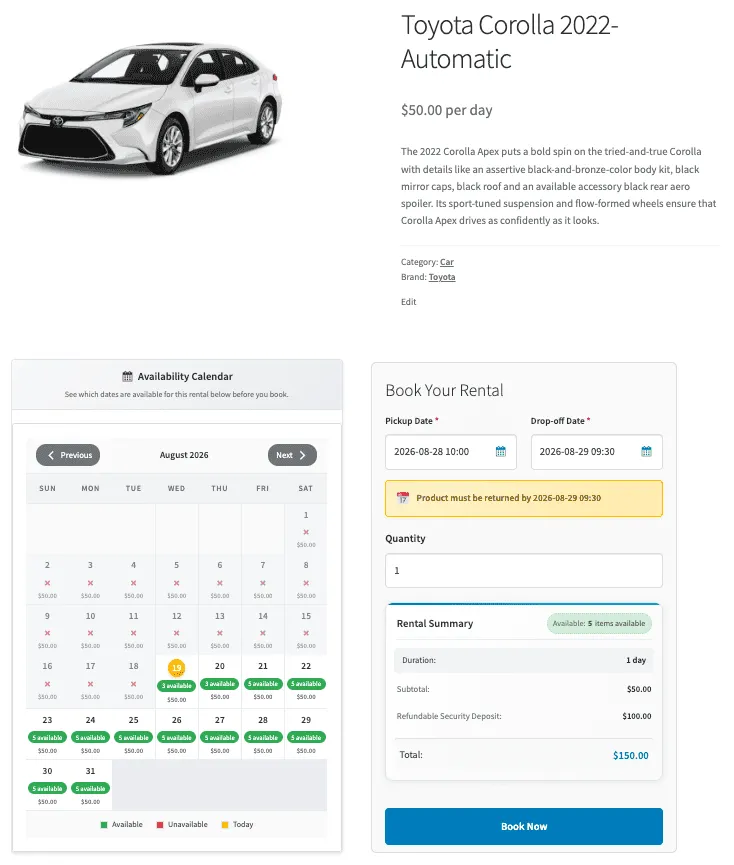
Follow the steps below to enable the availability calendar:
- Navigate to the product in which you want to show the availability calendar.
- In the “Product data” section, go to the “Rental Options” tab and select “Show Availability Calendar”. This will enable the calendar on the front end.
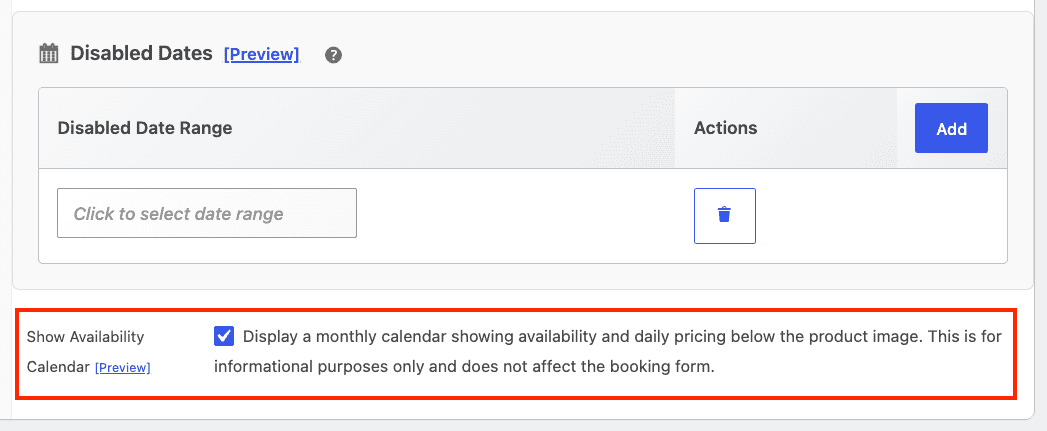
Update the product.
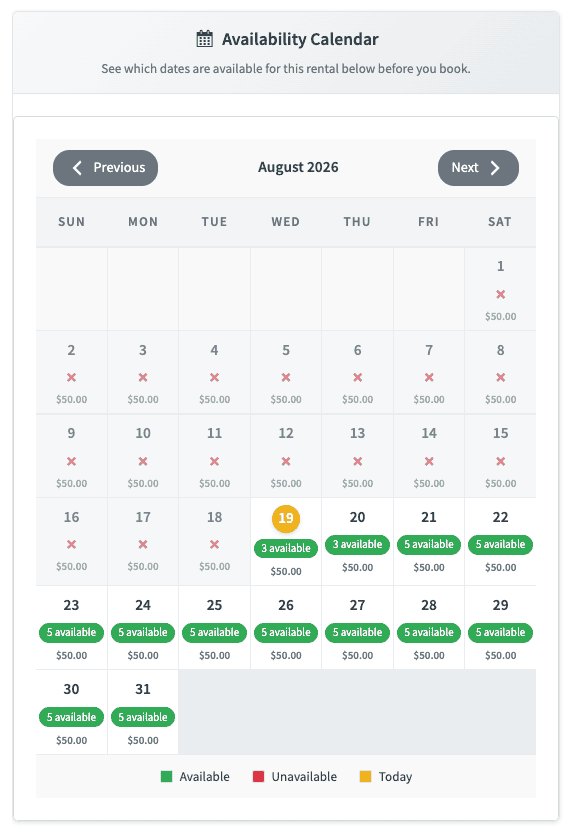
To change the design of the calendar
- Navigate to
Smart Rentals → Settings → Availability calendar style. - Select a style from the dropdown.
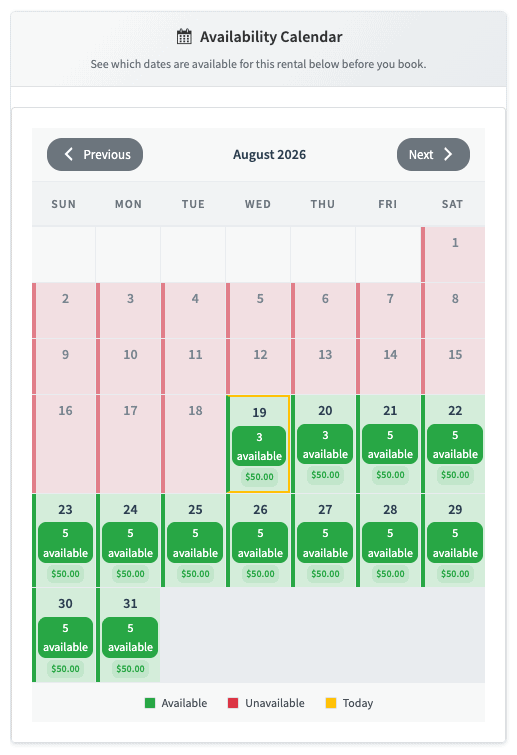
Save the settings.