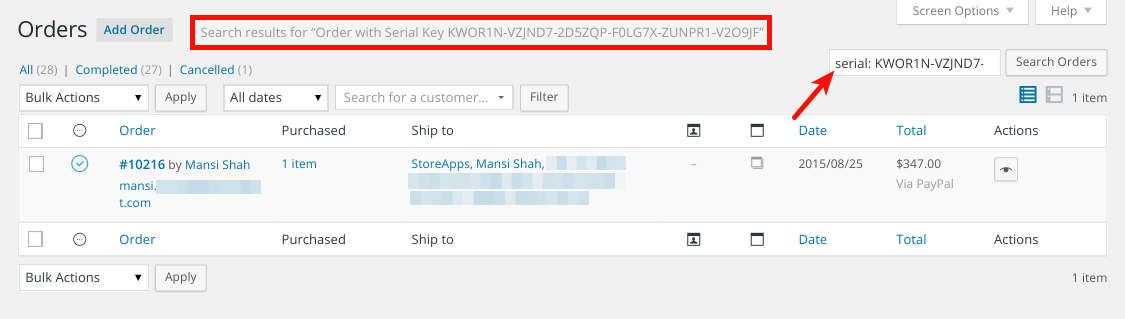
How to Search / Filter Orders using Serial Keys
Using WooCommerce Serial Keys, store admin can easily search/filter orders using serial keys. Serial Keys are also visible inside WooCommerce orders.
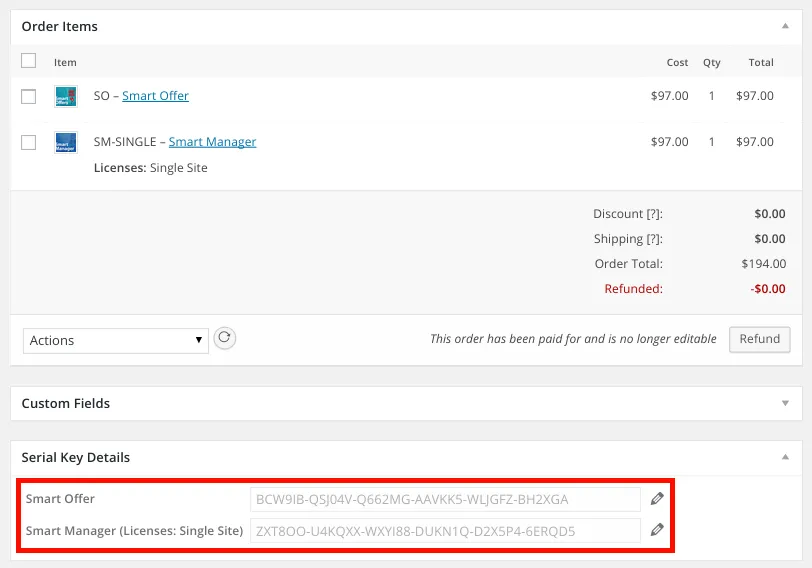
All the serial keys generated in an order are visible on the Order edit page. Store Admin can see generated serial keys from there.
If you want to locate or search orders using a serial key, you can filter the order’s list using that serial key along with a prefix text ‘serial:’
For example,
serial: KWOR1N-VZJND7-2D5ZQP-F0LG7X-ZUNPR1-V2O9JF