
How to set a security amount for booking a product
Smart Rental & Booking for WooCommerce is a WooCommerce extension that lets you turn your online store into a full-featured rental and booking system in minutes.
Create a Rental product as described in the documentation here.
Follow steps to set a security amount while booking a product:
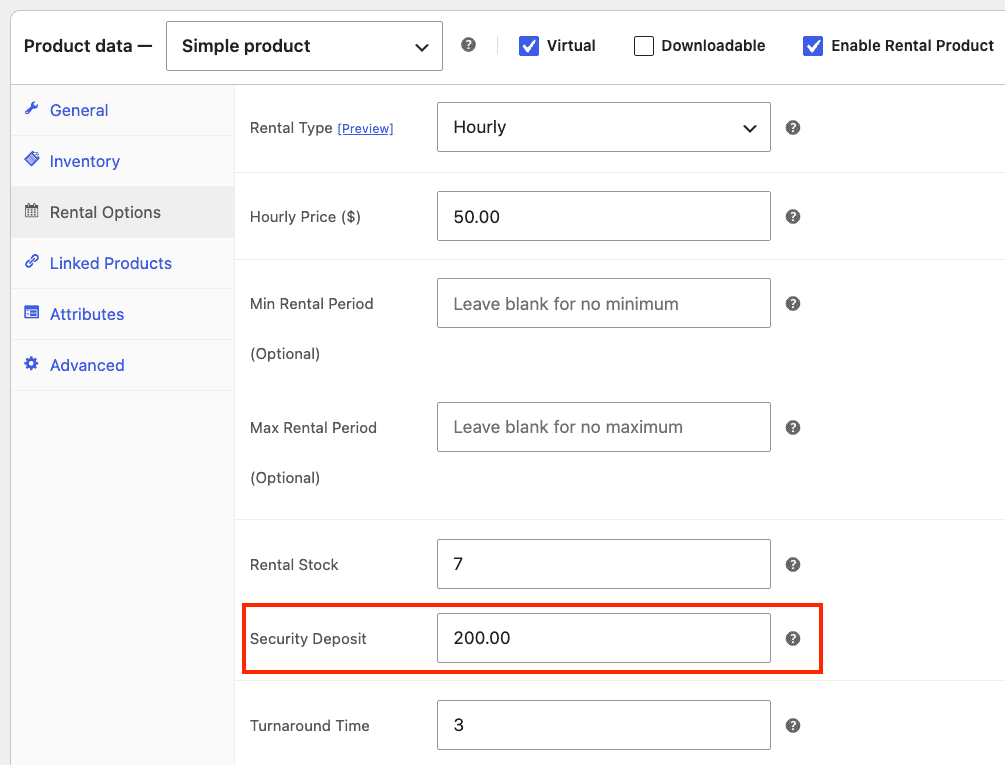
- Go to Product > Edit the product you want to add a security amount to, or create a new one.
- In the Rental Options tab, locate the “Security Deposit” field and enter the value.
- Update the product.
To include a security amount at the Global level:
- Navigate to the WordPress dashboard > Smart Rentals > Settings.
- Look for the “Default Security Deposit” field. Add the value to it.
- Save the settings.
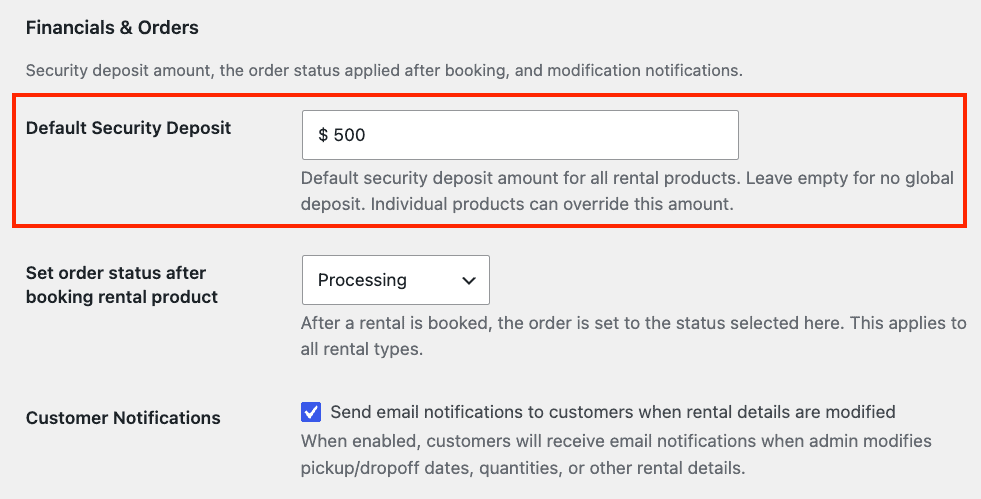
If you set an amount at the product level, the Global level security amount will not override it. If you want to use the Global level security amount, make sure to remove it from the product level.