


WooCommerce One Page Checkout is a solid choice when you sell a handful of products and want buyers to pick and pay on one landing page. It does that one job and nothing else. Stores that later want a field editor, a side cart or Buy Now buttons end up buying more plugins. This WooCommerce One Page Checkout review covers how it works, what it costs, where its own documentation says it falls short, and when an all-in-one checkout plugin is the better buy.
Everything here comes from the extension’s WooCommerce.com listing and its official documentation, checked in October 2026. Prices change, so check the listing before you buy.
What is WooCommerce One Page Checkout?
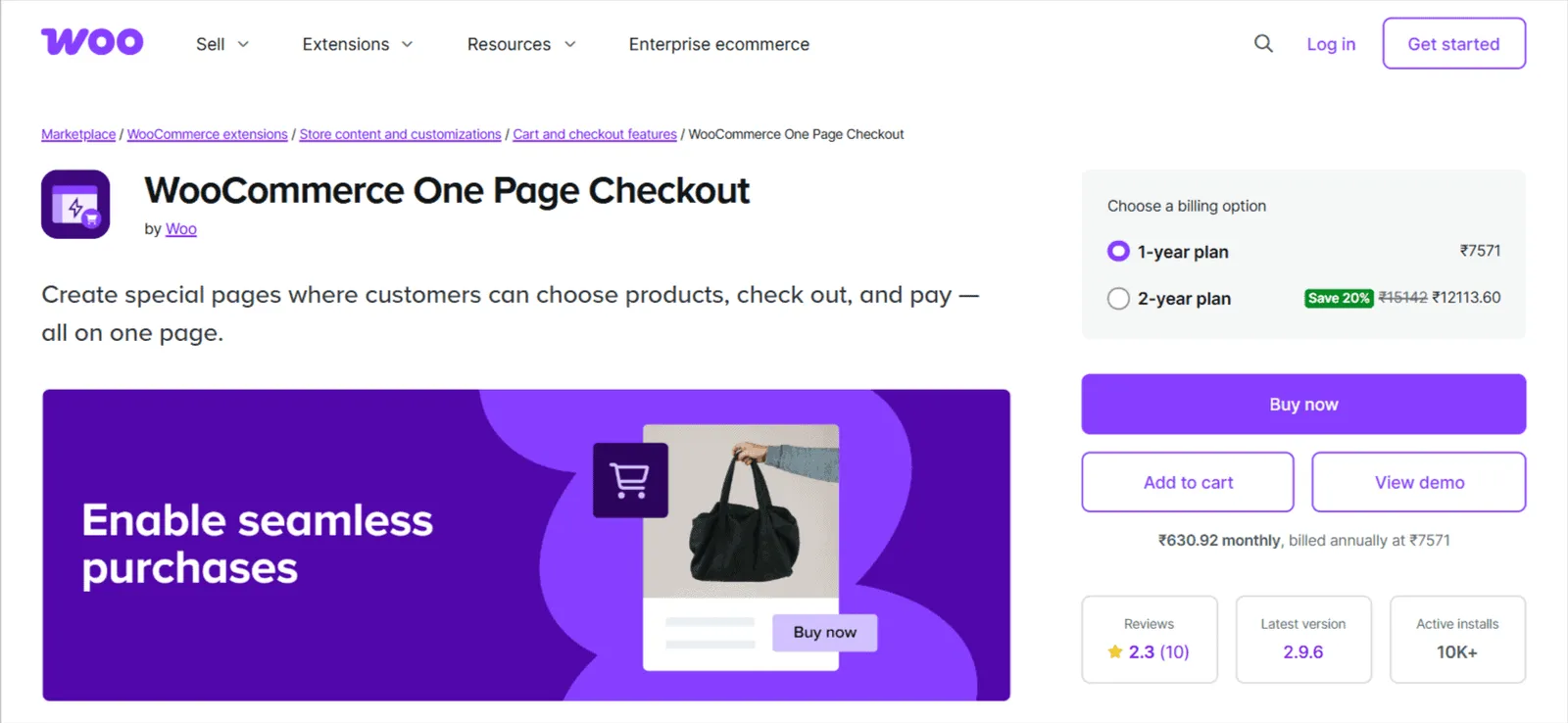
WooCommerce One Page Checkout is an official WooCommerce.com extension that shows products and the checkout form on a single page, so buyers never visit a separate cart. The listing shows 10K+ active installs, and the current release is version 2.9.7.
You can switch it on for a single product, which loads the order form under the product details. Or you can build a dedicated sales page with a shortcode, choosing which products appear and which template lays them out.
Quick verdict: who should buy WooCommerce One Page Checkout, and who should skip it
For a campaign page, an event or a small product range, it does what it promises with almost no setup. The problem is scope. Once checkout needs more than a combined page, you’re adding and paying for separate plugins, and the low price stops being low.
Once checkout needs more than a combined page, the low price stops being low.
Buy WooCommerce One Page Checkout if:
- You sell 1 to 5 products and send ad or email traffic to a landing page.
- One-page checkout is the only change you want to make to WooCommerce.
- You’d rather pay for an official extension that WooCommerce.com sells and supports.
Skip WooCommerce One Page Checkout if:
- You also want Buy Now buttons, direct checkout links or one-click checkout for returning buyers.
- You need to remove or reorder checkout fields.
- Your checkout depends on other extensions, which the documentation warns may not work inside its templates.
Features that matter
There are two ways to use the extension, and both are quick. The templates decide how products look on the page, and the checkout form sits underneath.
Per-product checkout
Once the extension is active, each product’s Product data panel gets a new option. Tick it, and that product’s page shows the checkout form below the product details. Buyers choose options, then fill in billing and payment without leaving the page.
The shortcode and four templates
For a sales page, you add the [woocommerce_one_page_checkout] shortcode to any page or post. It takes product IDs or category IDs, plus a template. A graphical builder for the shortcode exists, but only with the Classic Editor plugin installed.
The four built-in templates are:
- Product table: a compact list with quantities, for several products at once.
- Product list: products in a column with images and short descriptions.
- Single product: one product with its options, followed by checkout.
- Pricing table: side-by-side plans, for subscriptions or tiered offers.
You can also build a custom template, though the documentation warns that custom templates may break compatibility with other extensions.
Product types and payments
The listing says it works with subscriptions, bookings and bundles through more than a dozen extensions. Payment runs through the standard WooCommerce checkout form, so test your own gateway on a staging copy before you build a page around it.

WooCommerce One Page Checkout pricing: what you actually pay
There’s one license, sold only on WooCommerce.com, with no free version. Prices below are from the listing, checked in October 2026.
| Plan | Price | Sites | Includes |
|---|---|---|---|
| 1 year | $79/yr | 1 | Updates, support, 30-day money-back guarantee |
| 2 years | 20% off the 2-year total | 1 | Same as 1 year |
That $79 covers one-page checkout only. A field editor, a side cart and Buy Now buttons each mean another plugin, with its own yearly fee. Cashier, the plugin we make, includes all of them and one-page checkout for $149 a year.
WooCommerce One Page Checkout review: pros and cons
The trade is simple: it’s quick and focused, but it doesn’t grow with your store.
Pros
- Quick setup, from a checkbox on a product or one shortcode on a page.
- Four ready templates, including a pricing table for plans.
- An official extension, sold and supported through WooCommerce.com.
- Works with subscriptions, bookings and bundles, according to the listing.
- A 30-day money-back guarantee.
Cons
- A 2.3 out of 5 marketplace rating, with half of its 10 reviews at one star.
- Only one checkout shortcode works per page.
- The single product template shows the variable product, not individual variations.
- Product Add-ons’ file upload field isn’t supported, and other extensions may not work inside its templates.
- No field editor, side cart, Buy Now buttons or direct checkout links.
Those limits come straight from the extension’s own documentation, not from our testing. The field editor gap matters more than it looks: in Baymard Institute’s cart abandonment research, 17% of US shoppers had abandoned an order because checkout was too long or complicated.
Who should pick something else
If your checkout needs will grow, look at a plugin that covers the whole buying path. Cashier is ours, so weigh this section accordingly. It does one-page checkout and also adds Buy Now buttons, direct checkout links, one-click checkout for returning buyers, a checkout field editor and a side cart.
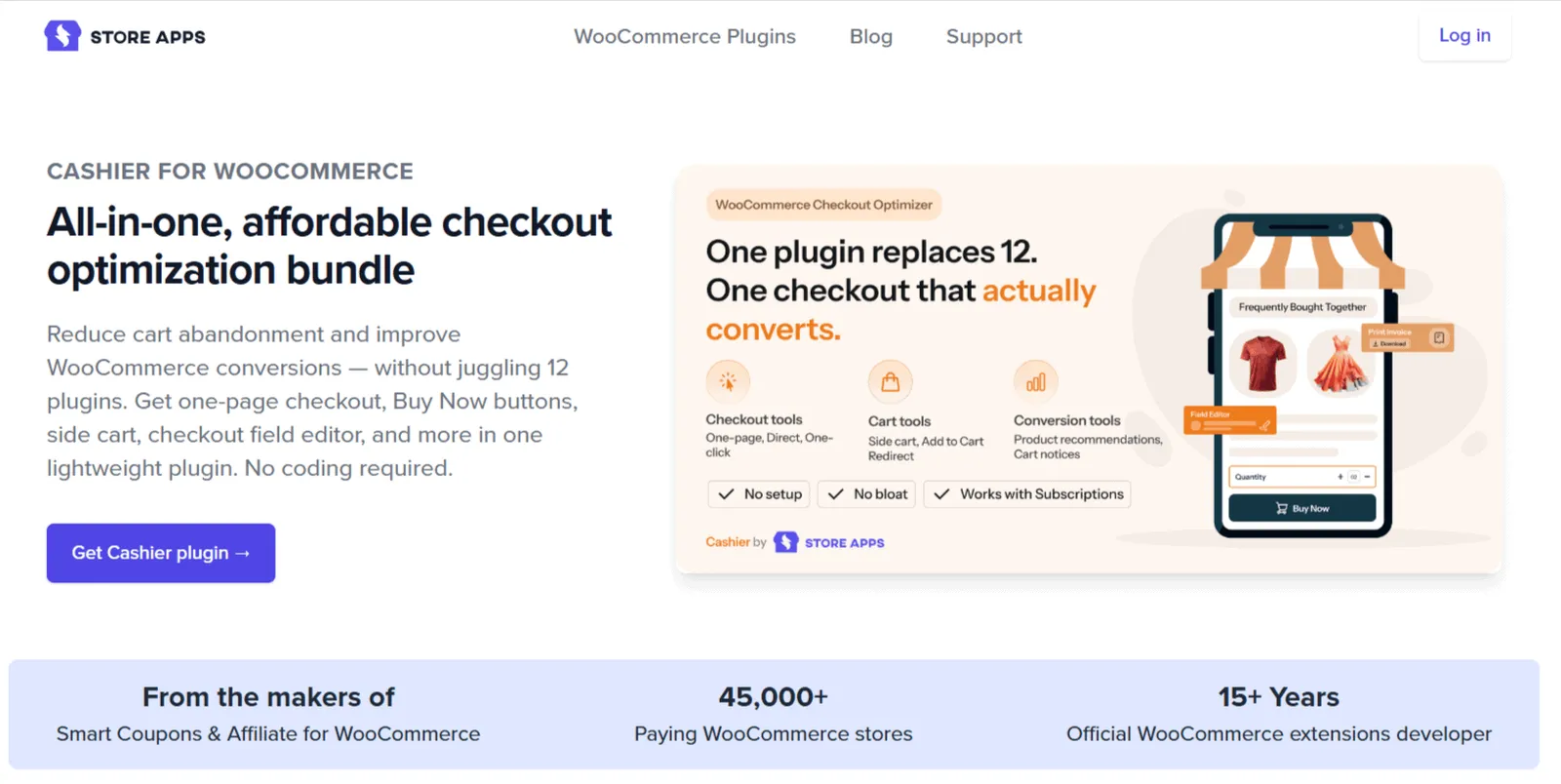
The list goes further, with Frequently Bought Together suggestions, cart notices, quantity rules and PDF invoices. Each feature switches on or off on its own, so you don’t rebuild your checkout to use one. Cashier supports High-Performance Order Storage and works with WooCommerce Subscriptions.
It’s not the right pick for everyone. If one-page checkout really is the only change you want, $149 a year buys a lot you won’t use, and WooCommerce One Page Checkout is the cheaper, simpler answer. Our roundup of the best WooCommerce checkout plugins compares other options.
Is WooCommerce One Page Checkout worth it?
Start with the page you’re building. A landing page for one product, a course or an event is exactly what this extension is for, and $79 is fair for that.
Then list everything else you want checkout to do in the next year. If that list includes field changes, a side cart or skipping the cart, count the extra plugins and renewals before you buy. Our guide to setting up WooCommerce one page checkout walks through the setup options, and skipping the WooCommerce cart covers the direct-to-checkout route.
FAQ
How much does WooCommerce One Page Checkout cost?
It costs $79 a year for one site, sold on WooCommerce.com. The license includes updates, customer support and a 30-day money-back guarantee, and a 2-year plan saves 20%. There’s no free version, so the only way to try it on your store is to buy it and use the refund window if it doesn’t fit.
Does WooCommerce One Page Checkout work with variable products?
Yes, with a catch. Variable products work in the product table and list templates, where buyers pick their options before checkout. The documentation notes that the single product template shows the variable product as a whole, not each variation separately, so test your layout on a staging site before you send traffic to it.
Can I use WooCommerce One Page Checkout on my whole store?
Not really. It works per product or on pages you build with its shortcode, and the normal cart and checkout stay in place everywhere else. Only one checkout shortcode works on each page. If you want a faster checkout across the whole store, a direct checkout or Buy Now approach usually fits better than one-page templates.
Can I remove checkout fields with WooCommerce One Page Checkout?
No. It changes where the checkout form appears, not what’s in it. To remove, reorder or add fields, you need a separate checkout field editor or a plugin that includes one, such as Cashier. Shorter forms matter here, because a long or complicated checkout is one of the most common reasons shoppers abandon an order.
Is Cashier a WooCommerce One Page Checkout alternative?
Yes. Cashier includes one-page checkout and adds Buy Now buttons, direct checkout links, one-click checkout, a field editor, a side cart and more for $149 a year, with each feature switched on separately. It’s the better value if you’d otherwise buy several checkout plugins, and the pricier one if one-page checkout is all you need.