
If you’re comparing Cashier and WooCommerce One Page Checkout, both support one-page checkout, but they solve very different problems.
WooCommerce One Page Checkout does one thing well: letting customers select products and pay on the same page. Cashier takes a broader approach, combining one-page checkout with Buy Now buttons, one-click checkout, checkout field editing, side cart, PDF invoices, cart notices, and more, all in a single plugin.
The right choice depends on whether you need a focused one-page checkout tool or a complete checkout optimization solution.
What is the main difference between Cashier and WooCommerce One Page Checkout?
The biggest difference is simple: WooCommerce One Page Checkout focuses on creating one-page checkout experiences, while Cashier focuses on optimizing the entire WooCommerce checkout journey.
Both plugins let customers browse products and complete payment on a single page. But beyond that, they take very different approaches.
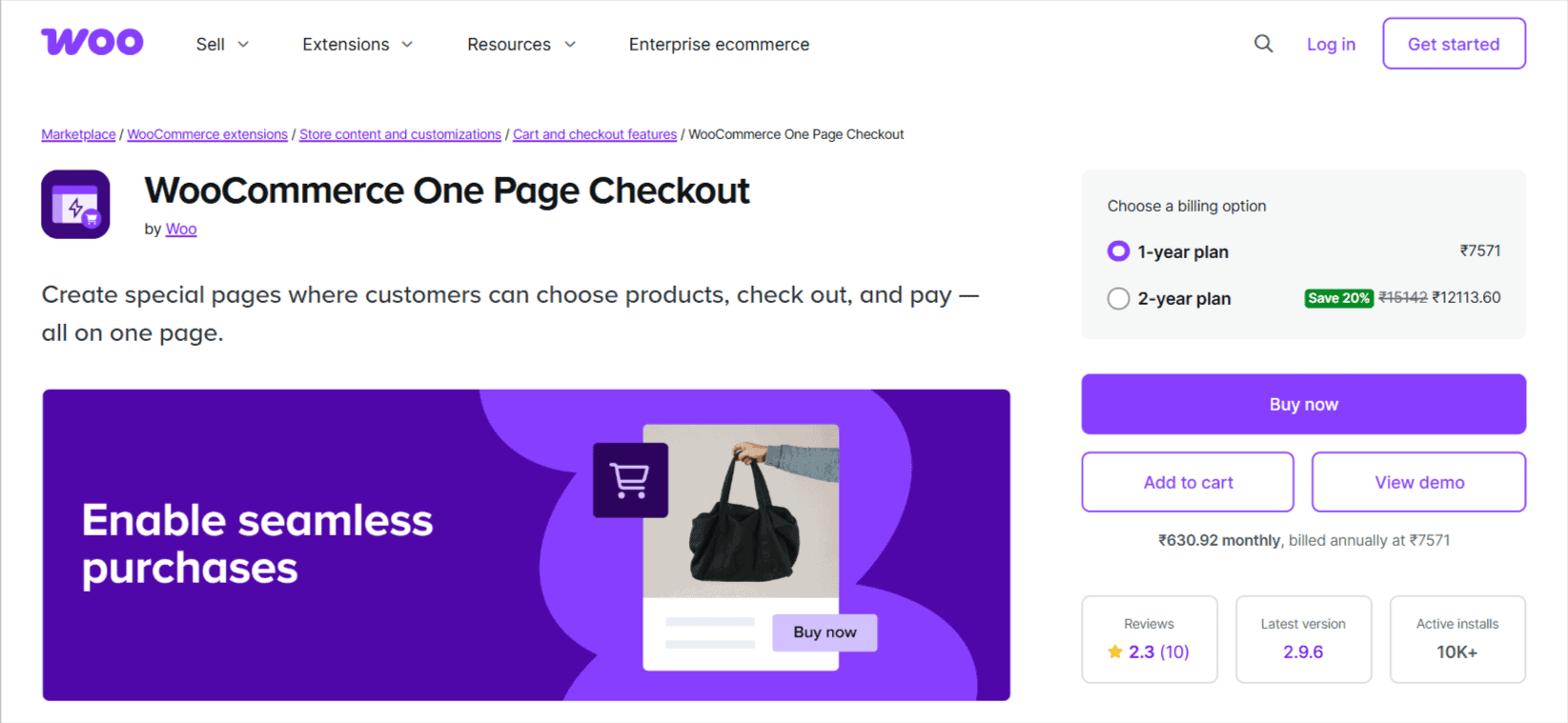
WooCommerce One Page Checkout is built for merchants who want a faster, simpler checkout. It combines product selection and payment on a single page, making it ideal for dedicated checkout pages, promotional landing pages, and stores looking to shorten the buying process without adding extra complexity.
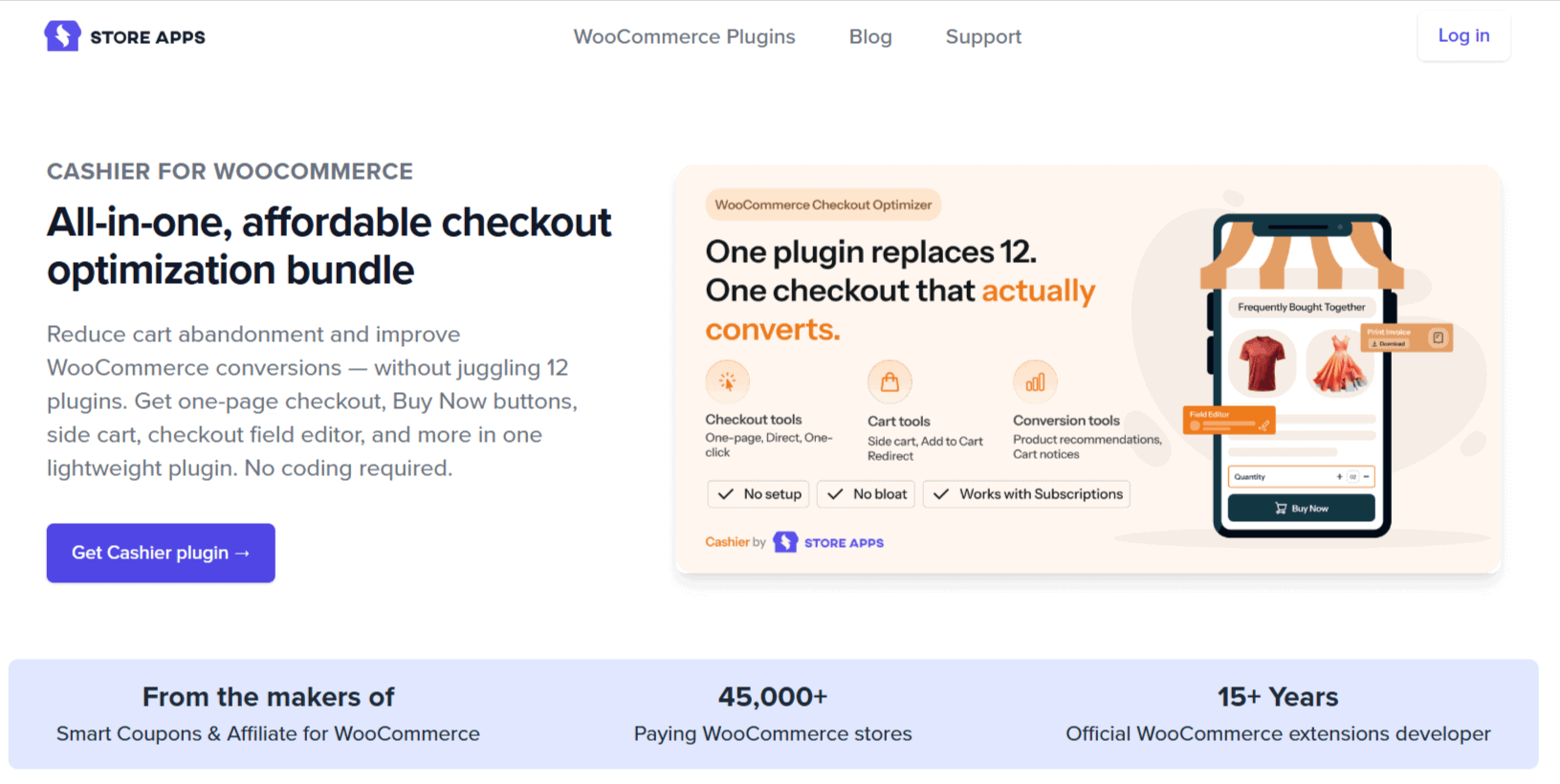
Cashier includes one-page checkout but goes much further. Along with single-page checkout, it offers Buy Now buttons, direct and one-click checkout, checkout field editing, side cart functionality, product recommendations, quantity controls, PDF invoices, and other tools designed to streamline the entire checkout experience from product page to payment.
Cashier vs WooCommerce One Page Checkout: at a glance
Not sure which plugin fits your store? Here’s a side-by-side look at what each one actually includes:
| Feature | Cashier | WooCommerce One Page Checkout |
|---|---|---|
| Primary purpose | Complete checkout optimization | One-page checkout |
| One-page checkout | ✅ | ✅ |
| Turn any page into checkout | ✅ | ✅ |
| Buy Now & direct checkout | ✅ | ❌ |
| One-click checkout | ✅ | ❌ |
| Checkout field editor | ✅ | ❌ |
| Side cart | ✅ | ❌ |
| Frequently Bought Together | ✅ | ❌ |
| Cart notices | ✅ | ❌ |
| Quantity rules | ✅ | ❌ |
| PDF invoices | ✅ | ❌ |
| Replace multiple checkout plugins | ✅ | ❌ |
| Best for | Stores looking to optimize checkout end-to-end | Stores that only need one-page checkout |
Cashier vs WooCommerce One Page Checkout: detailed comparison
On the surface, both plugins seem to solve the same problem because they offer one-page checkout. However, once you look beyond that feature, the differences become much clearer.
One-page checkout capabilities
Winner: Tie (slight edge to Cashier)
If one-page checkout is your only requirement, both plugins get the job done.
WooCommerce One Page Checkout lets you turn any page into a checkout page where customers can browse products, adjust quantities, and complete payment without leaving the page. You can also create dedicated checkout landing pages for promotions, events, or featured products using built-in templates and shortcodes.
Cashier offers the same core capability but makes it more flexible. You can enable one-page checkout for specific products, categories, or pages, while also combining it with other checkout optimization features when needed.
For stores selling a single product, course, webinar, or subscription, either plugin can create a streamlined purchasing experience. The difference is what happens after you’ve implemented one-page checkout.
Checkout optimization beyond one-page checkout
Winner: Cashier
This is where the comparison changes completely.
WooCommerce One Page Checkout focuses almost entirely on reducing checkout steps by placing product selection and payment on the same page.
Cashier looks at the entire checkout journey instead. Beyond one-page checkout, it includes:
- Buy Now buttons
- Direct checkout links
- One-click checkout for returning customers
- Checkout field editor
- AJAX side cart
- Frequently Bought Together recommendations
- Cart notices
- Product-level quantity rules
- PDF invoices
- Cart variation editing
- Empty cart functionality
Instead of solving one checkout problem, Cashier solves many of the small friction points that often lead store owners to install multiple plugins.
Faster purchasing with Buy Now and one-click checkout
Winner: Cashier
One-page checkout reduces the number of pages customers visit. Cashier goes a step further by reducing the number of clicks.
With built-in Buy Now buttons, customers can skip the cart entirely and go straight to checkout. Returning customers can even complete purchases using one-click checkout with supported payment gateways, making repeat purchases almost effortless.
Cashier also lets you generate direct checkout links that can be shared in emails, ads, social media posts, or landing pages, helping customers reach checkout faster.
WooCommerce One Page Checkout doesn’t include these capabilities. Its focus remains on simplifying the checkout page itself rather than shortening the path to it.
Replacing multiple checkout plugins
Winner: Cashier
One of the biggest differences between these plugins has nothing to do with one-page checkout, it’s how many other plugins you’ll need alongside them.
WooCommerce One Page Checkout is designed to solve one problem well. As your store grows, you may also want:
- Checkout field editing
- Buy Now buttons
- One-click checkout
- Side cart
- Frequently Bought Together recommendations
- Quantity limits
- Cart notices
- PDF invoices
With WooCommerce One Page Checkout, these typically require additional plugins. Cashier bundles all of these capabilities into a single plugin, with every feature toggleable individually so you’re not forced to use functionality you don’t need.
For many stores, this means fewer plugin conflicts, fewer renewals, fewer updates to manage, and a simpler checkout stack.
Ease of setup and day-to-day use
Winner: Depends on your needs
WooCommerce One Page Checkout is intentionally simple. Create a checkout page, choose the products you want to display, and customers can complete their purchase without leaving the page.
Cashier offers a broader set of checkout tools, but it keeps complexity under control with a feature-toggle approach. You simply enable the features your store needs: one-page checkout, Buy Now buttons, or the checkout field editor, and leave everything else turned off.
Pricing and overall value
Winner: Cashier (for most growing WooCommerce stores)
| Feature | Cashier | WooCommerce One Page Checkout |
|---|---|---|
| Starting price | $149/year | $79/year |
| One-page checkout | ✅ | ✅ |
| Buy Now & direct checkout | ✅ | ❌ |
| One-click checkout | ✅ | ❌ |
| Checkout field editor | ✅ | ❌ |
| Side cart | ✅ | ❌ |
| Plugin consolidation | Replaces up to 12 checkout plugins | Dedicated one-page checkout only |
If your goal is simply to create one-page checkout pages, WooCommerce One Page Checkout is the lower-cost option. But if you know you’ll eventually need Buy Now buttons, checkout customization, side cart functionality, or product recommendations, Cashier offers significantly better long-term value because those capabilities are already included in one plugin.
Can Cashier replace WooCommerce One Page Checkout?
Yes -for most WooCommerce stores, it can.
If you’re using WooCommerce One Page Checkout solely to create one-page checkout pages, Cashier can do that while adding many other checkout optimization features.
However, the two plugins are built with different goals in mind. WooCommerce One Page Checkout is a dedicated extension focused on displaying products and checkout on the same page. Cashier takes a broader approach, in addition to one-page checkout, it includes Buy Now buttons, one-click checkout, checkout field editing, a side cart, frequently bought together recommendations, quantity controls, PDF invoices, cart notices, and more, all within a single plugin.
For many stores, that means Cashier can replace not only WooCommerce One Page Checkout but also several other checkout-related plugins.
Which plugin should you choose?
Choose Cashier if:
- You want more than just one-page checkout
- You want Buy Now buttons or direct checkout links
- You sell repeat-purchase products and want one-click checkout
- You need to customize WooCommerce checkout fields
- You want a side cart with a smoother shopping experience
- You want to reduce the number of checkout plugins on your store
- You want a checkout solution that can grow with your business
- You’re looking for the best WooCommerce One Page Checkout alternative
Choose WooCommerce One Page Checkout if:
- Your only goal is creating one-page checkout pages
- You prefer a simple, focused plugin with minimal configuration
- You don’t need Buy Now buttons, checkout field editing, side cart functionality, or other checkout enhancements
- You don’t mind using separate plugins if you need additional checkout features later
Get WooCommerce One Page Checkout
Final verdict
After comparing both plugins, I don’t think the decision comes down to which one has more features, it comes down to what problem you’re trying to solve.
If one-page checkout is the only capability your store needs today, WooCommerce One Page Checkout does exactly that.
But if your goal is to reduce checkout friction, improve conversions, simplify your plugin stack, and give customers a faster buying experience, Cashier delivers considerably more value. It combines one-page checkout with a collection of checkout optimization tools that most growing WooCommerce stores eventually end up needing anyway.
FAQ
Can I use Cashier with my existing WooCommerce theme?
Yes. Cashier is designed to work with standard WooCommerce themes and supports High-Performance Order Storage (HPOS). It also works with popular WooCommerce extensions, including WooCommerce Subscriptions.
Do I need to rebuild my checkout page to use Cashier?
No. Most Cashier features can be enabled individually without redesigning your entire checkout. You can turn features on or off as needed and keep your existing checkout workflow.
Is one-page checkout better than the default WooCommerce checkout?
It depends on your store. One-page checkout reduces the number of steps between product selection and payment, which can improve conversions for single-product stores, landing pages, events, and promotional campaigns. Stores with large catalogs may benefit more from combining one-page checkout with other checkout optimization features.
Can I create dedicated checkout landing pages with both plugins?
Yes. Both Cashier and WooCommerce One Page Checkout let you create landing pages where customers can select products and complete checkout from the same page.
Which plugin is better for stores selling digital products or courses?
Cashier is generally the better choice because it combines one-page checkout with Buy Now buttons, direct checkout, and one-click checkout, helping customers purchase with fewer clicks.
Will replacing multiple checkout plugins improve my WooCommerce store?
Using fewer well-built plugins can simplify maintenance, reduce compatibility issues, and make updates easier to manage. If you’re currently using separate plugins for one-page checkout, Buy Now buttons, checkout field editing, and side carts, consolidating them into a single plugin may simplify your checkout stack.