
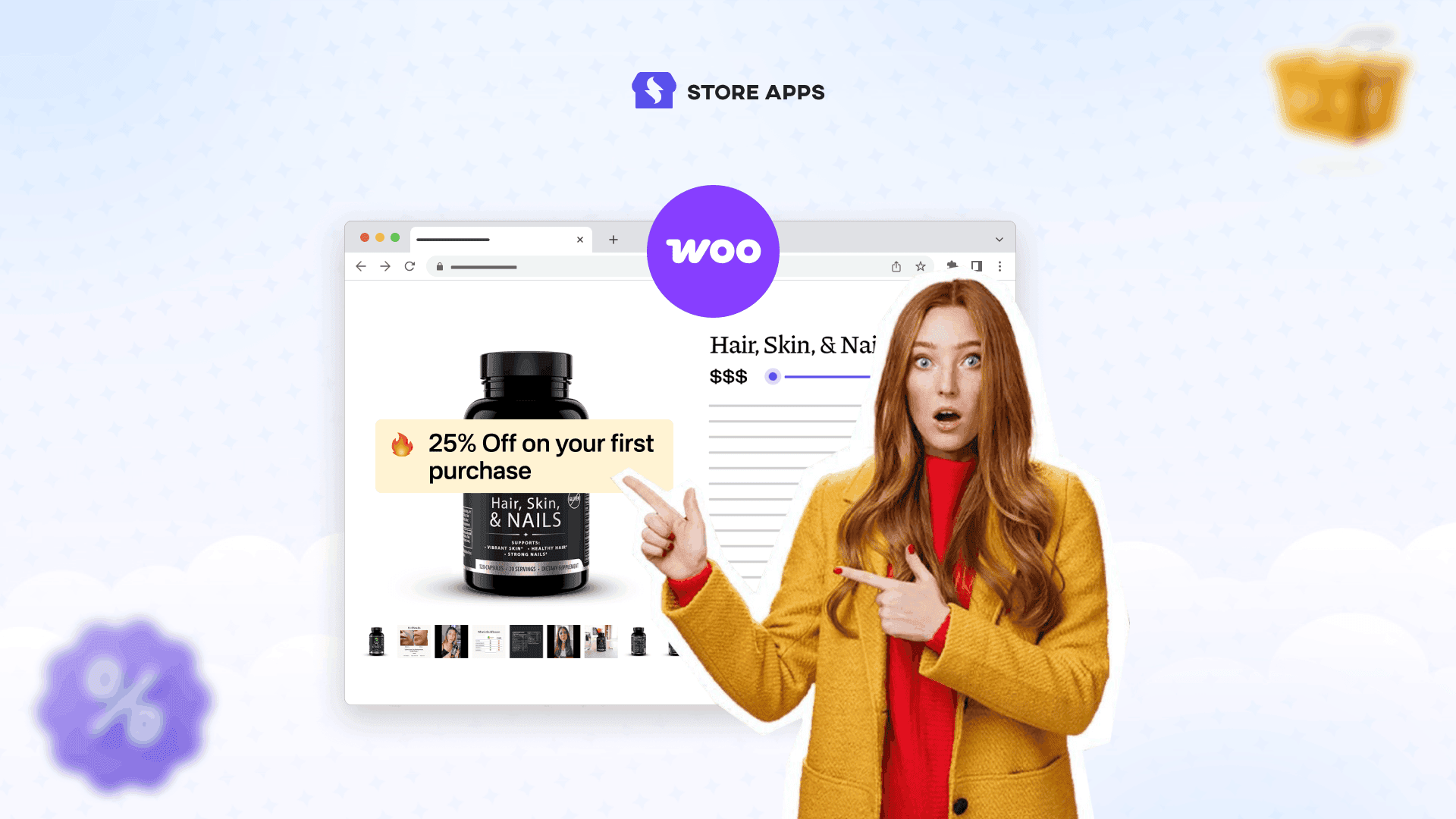
WooCommerce makes it easy to create coupons.
But setting up a proper WooCommerce first order discount that works correctly (and doesn’t get abused) is a different story.
Because most store owners don’t just want a coupon.
They want something like:
- Give 10% off only to new customers
- Block existing customers
- Allow it only once per customer
- Auto-apply at checkout
This guide shows you how to set up a first purchase discount in WooCommerce using Smart Coupons, and how to use it strategically (without killing margins).
Should you offer a first purchase discount?
The real question isn’t “should I offer a discount?”
It’s this: Do new visitors need a reason to trust your store and place their first order?
In most cases, yes. A first purchase offer works because it gives customers a low-risk reason to try you once.
And once they’ve bought from you, the second purchase becomes much easier.
If your margins are tight, don’t worry. You can still do this without losing money (we’ll cover store credit strategies below).
The 3 most common first-time buyer offers
Most WooCommerce stores use one of these three formats:
| Offer type | Example | Best for |
|---|---|---|
| Flat discount | $10 off | Higher AOV stores |
| Percentage discount | 10% / 15% off | Fashion, beauty, general retail |
| Store credit reward | Get $15 credit for next purchase | Low-margin stores, repeat purchase strategy |
Now let’s set them up.
How to set up a WooCommerce first order discount (step-by-step)?
WooCommerce can create coupons, but it doesn’t give you a clean “first order only” system by default.
This is where Smart Coupons becomes powerful.It helps you create first purchase offers that feel like proper promotions instead of hacky coupon tricks.
Below are the 3 best first-purchase setups.
Flat discount first purchase offer ($10 off)
Let’s say you want to offer: “Get $10 off your first order above $50.”
This works well if your average order value is already above $50 and you want to push customers to add one more item.
Here’s how to set it up:
- Go to
WordPress Admin > Marketing > Coupons. - Click
Add coupon. - Enter your coupon code (example: WELCOME10) or click
Generate coupon code. - Under the
Generaltab:- Discount type →
Fixed cart discount - Coupon amount → 10
- (Optional) Set expiry date/time
- Enable
For new customers - (Optional) Enable
Auto-apply
- Discount type →
- Set
Usage limit per user= 1. - Click
Publish.
That’s it. You now have a first purchase coupon that works only for new customers.
Percentage discount first purchase offer (10% or 15%)
Percentage discounts work best for stores where cart values vary a lot.
For example:
“Get 15% off your first order.”
Here’s how to set it up:
Repeat the same steps as above, but choose Percentage discount and set amount to 15.
Store credit reward after first purchase (margin-friendly strategy)
If you want to protect your margins, trying store credit is the smarter offer.
Instead of giving a discount upfront, you offer:
“Place your first order and get $15 store credit for your next purchase.”
This works because:
- Customers still feel rewarded
- You don’t reduce the first order margin
- It drives repeat purchases automatically
Here’s how to set it up with Smart Coupons:
- Customers feel rewarded
- You protect first-order margins
- You drive repeat purchases automatically
- Go to
WordPress Admin > Marketing > Coupons. - Click
Add coupon. - Enter coupon code (example: FIRSTCREDIT20).
- Under
Generaltab:- Discount type →
Store Credit / Gift Certificate - Coupon amount → 20
- Enable
For new customers
- Discount type →
- Set
Usage limit per user= 1. - Click
Publish.
Once the customer places their first order, Smart Coupons issues the store credit coupon automatically (based on your setup) and sends it to their email.
They can then apply that store credit coupon on their next purchase at checkout, just like a normal WooCommerce coupon.
This turns your welcome offer into a repeat-purchase engine.
How to prevent first purchase discount coupon abuse?
Every store owner loves first purchase offers.
Coupon hunters love them more.
So before you run a first order discount, make sure your setup is protected.
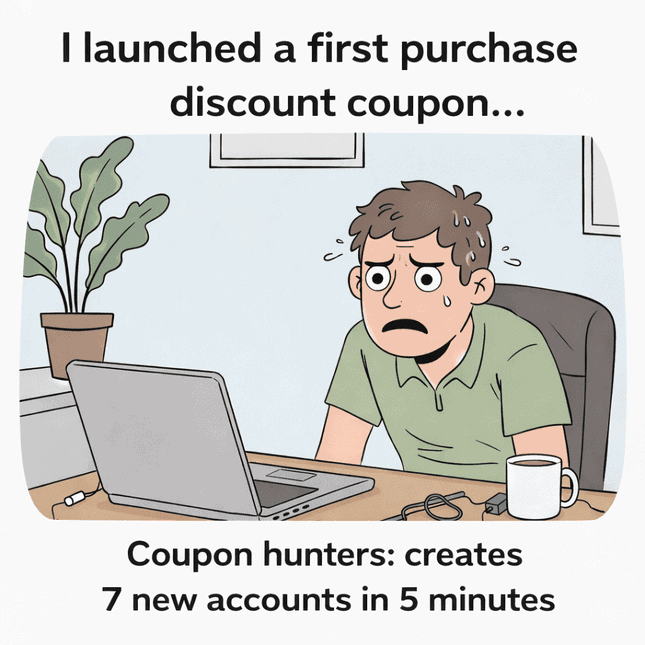
Here are the most effective ways to prevent misuse using Smart Coupons:
- Enable For new customers (so the coupon works only on a customer’s first order)
- Set Usage limit per user = 1 (so the same account can’t reuse it)
- Add a minimum spend (so you don’t lose money on small carts)
- Exclude sale items (to avoid double-discount stacking)
- Restrict the coupon to specific products/categories (optional but powerful)
- Use the “Allowed emails” field to restrict who can use the coupon
- Block disposable/fake emails by excluding email patterns (like @tempmail.com)
- Auto-generate unique coupon codes instead of using one public code like WELCOME10
Pro tip: If you’re running a public welcome offer, always use unique auto-generated coupons with expiry (example: valid for 7 days).
This keeps the promotion clean and reduces coupon sharing on deal sites.
This keeps your discount strategy profitable instead of chaotic.
Smart ways to use a WooCommerce first order discount
A first purchase discount doesn’t have to mean “10% off storewide”. With Smart Coupons, you can run welcome offers that are targeted, profitable, and harder to abuse.
Here are smart ways store owners actually use them.
Suppose you don’t want your store to look discount-driven. Auto-apply the coupon and display it like a gift.
For example: “Welcome Gift Applied 🎁” This feels premium, not cheap.
Add urgency with expiry time (faster conversions)
Let’s say you want customers to buy today, not next month. Set an expiry date/time for the welcome coupon.
For example: “Valid for the next 48 hours.” This reduces “I’ll come back later” behaviour.
Increase AOV using minimum spend
Suppose you want bigger carts, not ₹200 orders with a discount. Add a minimum spend requirement.
For example: “Get $10 off your first order above $60.” Customers naturally add one more item.
Combine first order coupon + free shipping
Let’s say customers drop off because shipping feels expensive. Enable free shipping inside the coupon.
For example: “10% off + free shipping on your first order.” This works insanely well for fashion, beauty, and accessories.
Auto-add a free sample or bonus product (better than discount)
Suppose you’d rather give value instead of cutting price.Use the Actions tab to auto-add a free product.
For example: “Free sample added automatically on your first order.” This increases trust and repeat purchases.
Add a message on checkout (reduce coupon confusion)
Let’s say customers keep asking “is my discount applied?” Show a custom coupon message.
For example: “Welcome discount applied successfully.” It improves checkout confidence.
Use store credit as the real retention play
Suppose you don’t want to lose profit on the first order. Reward customers with store credit for the next purchase.
For example: “Get $15 store credit after your first order.” This turns your welcome offer into a repeat-sales loop.
Which first purchase offer should you choose?
| Your goal | Best option |
|---|---|
| More first-time orders | Percentage discount |
| Higher cart value | Flat discount + minimum spend |
| Better repeat purchase rate | Store credit reward |
| Protect margins | Store credit instead of discount |
| Faster conversions | Free shipping + welcome coupon |
Turn first-time buyers into repeat customers
A WooCommerce first order discount isn’t just a coupon. It’s your store’s way of saying: “Try us once. You’ll like it here.”
WooCommerce can create coupons. But Smart Coupons gives you control, automation, and better protection.
FAQs
Can I auto-apply a first purchase discount?
Yes. Enable Auto-apply so customers don’t need to enter a coupon code manually.
Can guest users use first purchase coupons?
Yes, but login-based restriction gives better abuse protection.
Can I restrict it to specific email domains?
Yes. Use the Allowed emails option.
What works better: discount or free shipping?
Free shipping converts better for low-ticket items. Discounts work better for higher cart values.