
Not every WooCommerce store needs the same kind of checkout plugin.
Some stores need a modern, conversion-focused checkout page. Others need a faster buying journey with fewer clicks, fewer plugins, and less friction.
That’s why Cashier vs CheckoutWC aren’t direct replacements, they solve different checkout problems.
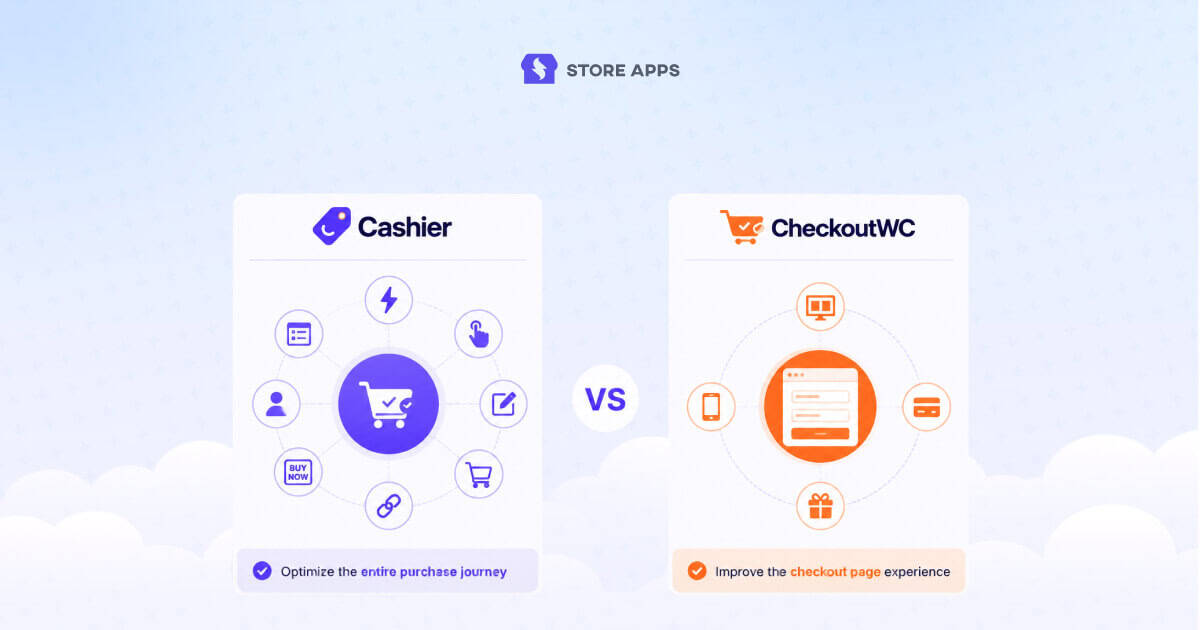
CheckoutWC focuses on redesigning the checkout experience with conversion-optimized templates, express payments, mobile improvements, and order bumps.
Cashier focuses on reducing friction across the entire purchase journey with one-page checkout, Buy Now buttons, one-click checkout, checkout field editing, side cart, direct checkout links, and other checkout optimization tools.
In this comparison, we’ll go beyond feature lists and compare both plugins based on what actually matters: checkout experience, ease of setup, plugin consolidation, pricing, and which one delivers the best value for your WooCommerce store.
Cashier vs CheckoutWC: at a glance
Although both plugins aim to improve WooCommerce conversions, they take different approaches.
CheckoutWC is a checkout replacement plugin. It replaces WooCommerce’s default checkout with modern templates, express payments, mobile optimization, order bumps, and other conversion-focused features.
Cashier is a checkout optimization toolkit. Instead of replacing your checkout, it improves the entire purchase journey with one-page checkout, Buy Now buttons, one-click checkout, checkout field editing, side cart, cart notices, PDF invoices, and other tools — all from a single plugin.
If your goal is simply to build a better checkout page, CheckoutWC is the better fit.
If your goal is to remove friction across your entire store while reducing the number of checkout plugins you use, Cashier offers a broader solution.
Cashier vs CheckoutWC: Which plugin is right for your store?
| If you want to… | Choose |
|---|---|
| Replace WooCommerce’s default checkout | CheckoutWC |
| Use Shopify-style checkout templates | CheckoutWC |
| Optimize mobile checkout | CheckoutWC |
| Add one-page checkout | Cashier |
| Add Buy Now buttons | Cashier |
| Enable one-click checkout for returning customers | Cashier |
| Customize checkout fields | Cashier |
| Add a side cart | Both |
| Recover abandoned carts | CheckoutWC |
| Replace multiple checkout plugins | Cashier |
| Reduce checkout friction across your store | Cashier |
The biggest difference between Cashier and CheckoutWC
Most comparisons focus on feature lists. But after evaluating both plugins, the real difference isn’t the number of features, it’s where they improve the buying journey.
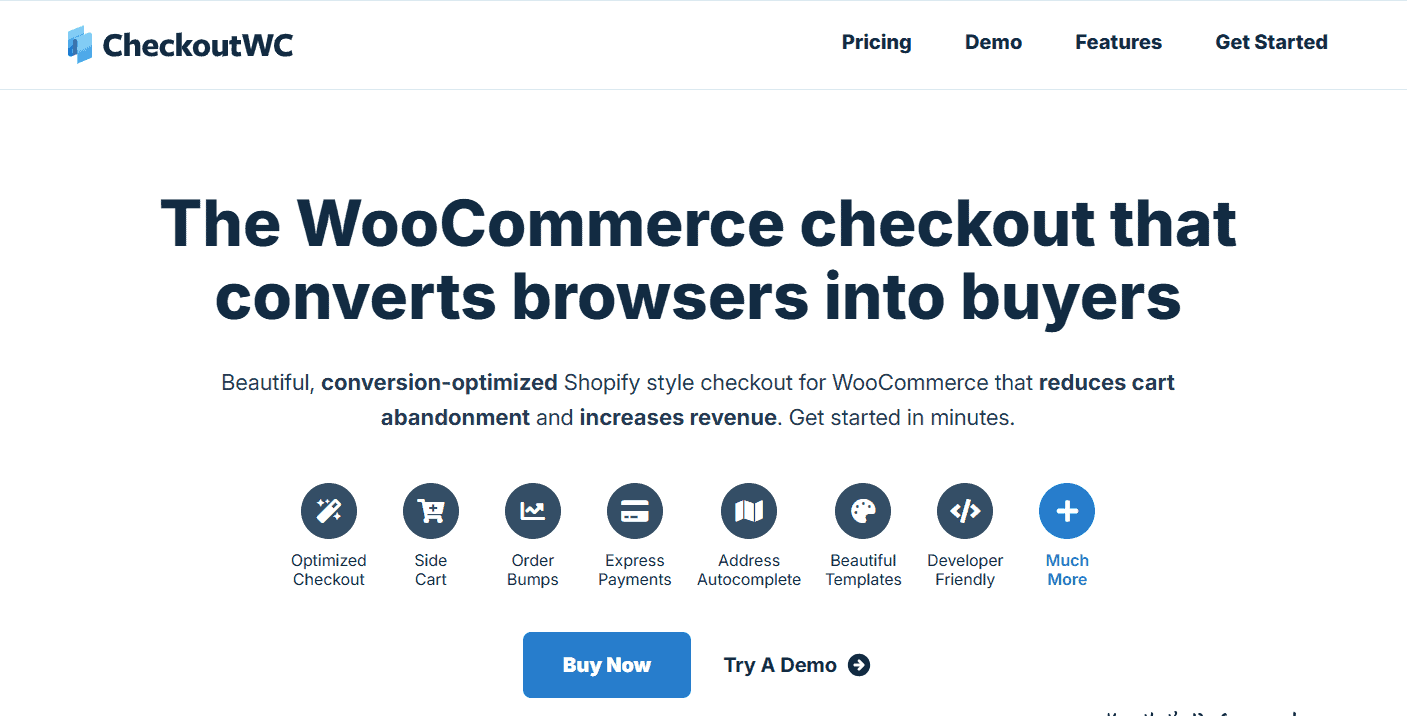
CheckoutWC focuses on the checkout page. It replaces WooCommerce’s default checkout with a faster, cleaner, and more conversion-focused experience.
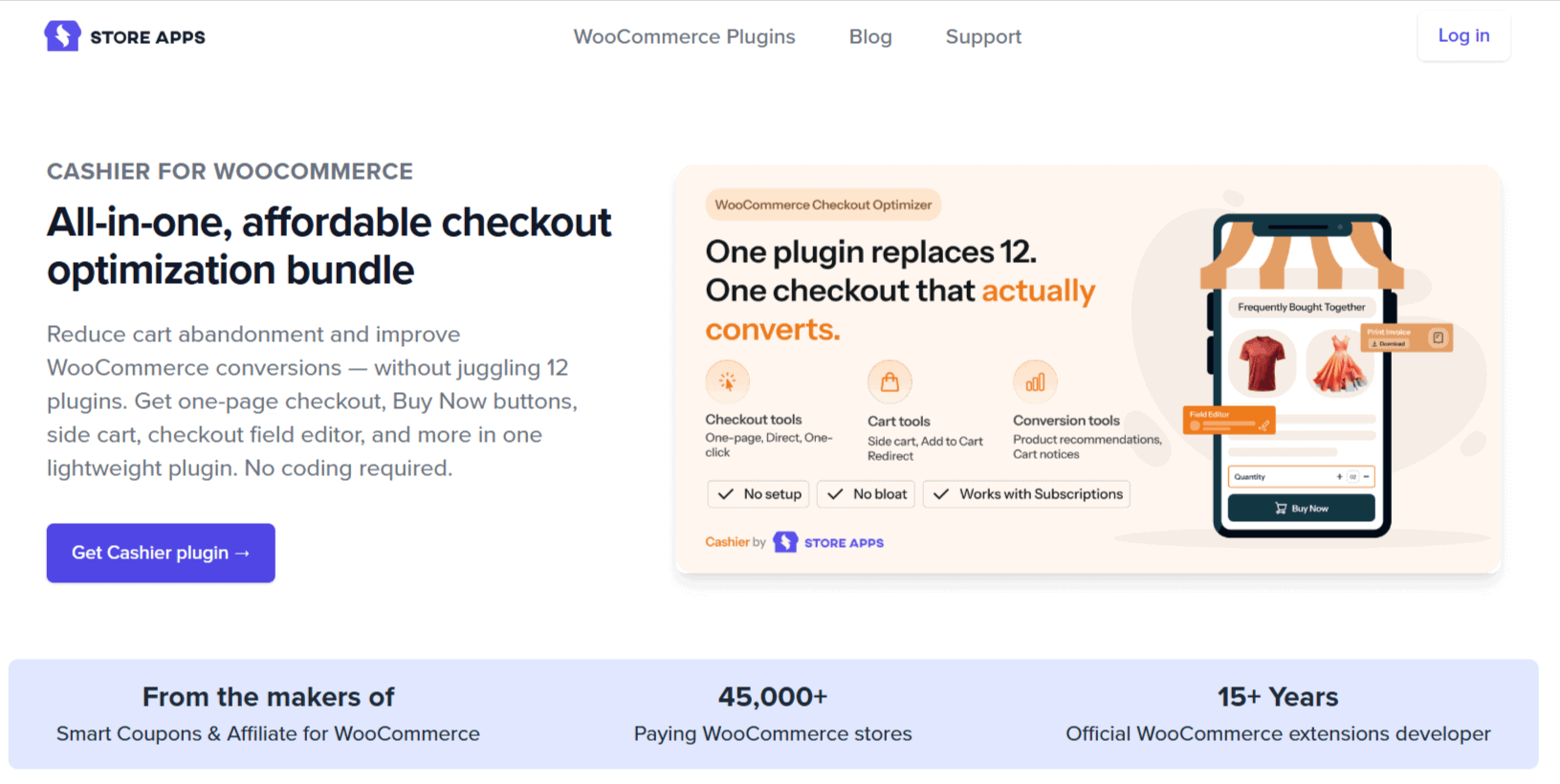
Cashier focuses on the entire purchase journey. It helps customers reach checkout faster with Buy Now buttons, one-page checkout, one-click checkout, side cart, checkout field editing, direct checkout links, and other tools that remove friction before and during checkout.
CheckoutWC improves the checkout page. Cashier improves the checkout process.
That distinction makes choosing between them much easier. If your biggest issue is an outdated checkout, CheckoutWC is likely the better choice.
If you’re looking for a CheckoutWC alternative that can replace several checkout-related plugins and simplify the entire buying experience, Cashier delivers broader functionality.
Cashier vs CheckoutWC: Head-to-head comparison
Checkout philosophy
Winner: Depends on your goal
This is the biggest difference between the two plugins.
CheckoutWC is built around one mission: replacing WooCommerce’s default checkout with a faster, more modern, conversion-focused experience. Everything: from its templates to express payments and mobile optimization, is designed to improve the final step of the buying journey.
Cashier takes a broader approach. Instead of replacing your checkout, it removes friction throughout the purchase journey with one-page checkout, Buy Now buttons, one-click checkout, checkout field editing, side cart, direct checkout links, and other checkout tools.
Checkout features and conversion tools
Winner: Cashier
Both plugins help improve conversions, but Cashier includes a wider range of checkout tools in a single plugin.
Beyond one-page checkout, it includes Buy Now buttons, one-click checkout, checkout field editing, side cart, add-to-cart redirects, cart notices, PDF invoices, frequently bought together recommendations, min-max quantity rules, and more.
CheckoutWC focuses on checkout-specific features like modern templates, express payments, address autocomplete, order bumps, abandoned cart recovery, and mobile optimization.
Checkout experience and design
Winner: CheckoutWC
If your goal is to make WooCommerce checkout look and feel more like Shopify, CheckoutWC has the advantage.
It replaces the default checkout with professionally designed templates, supports one-page and multi-step layouts, includes express payment buttons, address autocomplete, trust badges, and mobile-first optimizations, all designed to reduce checkout abandonment.
Cashier improves how customers buy but doesn’t redesign the checkout page itself.
Ease of setup and day-to-day use
Winner: Cashier
Both plugins are beginner-friendly, but they solve different problems.
CheckoutWC requires you to replace your existing checkout and configure its templates, payment options, and checkout experience. Once set up, it works seamlessly, but you’re adopting a new checkout flow.
Cashier works alongside your existing WooCommerce checkout. Every feature is available as an independent toggle, so you only enable what you need, whether that’s one-page checkout, Buy Now buttons, checkout field editing, or the side cart.
Pricing and overall value
Winner: Depends on your needs
There’s a noticeable difference in how these plugins are priced.
| Plugin | Starting price | Best for |
|---|---|---|
| CheckoutWC | $99/year (Starter) | Stores that only need a modern checkout replacement |
| Cashier | $149/year | Stores looking to replace multiple checkout-related plugins |
At first glance, CheckoutWC is the less expensive option.
However, Cashier includes features that many stores would otherwise purchase separately, such as one-page checkout, Buy Now buttons, one-click checkout, checkout field editing, side cart, frequently bought together recommendations, PDF invoices, cart notices, quantity controls, and more.
If your only requirement is a better checkout page, CheckoutWC offers excellent value. If you’re already paying for multiple checkout plugins or expect to add them over time — Cashier can deliver better long-term value while reducing plugin conflicts and maintenance.
Can Cashier replace CheckoutWC?
Short answer: Sometimes.
If you’re looking for a CheckoutWC alternative, the answer depends on why you’re considering a switch.
Cashier can replace many of the features merchants commonly look for, including one-page checkout, side cart, Buy Now buttons, one-click checkout, checkout field editing, cart optimization, and other tools that reduce friction across the buying journey.
However, it isn’t designed to replace CheckoutWC’s core strength: a fully redesigned, conversion-focused checkout experience with modern templates, address autocomplete, express payment buttons, built-in order bumps, and abandoned cart recovery.
CheckoutWC is a specialist built to optimize the checkout page. Cashier is a toolkit built to optimize the entire purchase process.
If your goal is simply a better checkout page, CheckoutWC remains the stronger choice.
If your goal is reducing plugin bloat while improving the overall buying experience, Cashier is one of the strongest CheckoutWC alternatives available for WooCommerce.
Which plugin should you choose?
Choose Cashier if you:
- Want an all-in-one alternative to multiple checkout plugins
- Need one-page checkout without replacing your existing WooCommerce checkout
- Want Buy Now buttons and direct checkout links
- Sell products customers purchase repeatedly and need one-click checkout
- Need checkout field customization without extra plugins
- Want a built-in side cart and cart optimization tools
- Want to reduce plugin conflicts and simplify store management
- Prefer getting more checkout functionality from a single plugin
Choose CheckoutWC if you:
- Want to replace WooCommerce’s default checkout
- Prefer a modern, Shopify-style checkout experience
- Need conversion-focused checkout templates
- Want express payment buttons like Apple Pay and Google Pay
- Need address autocomplete and email validation
- Want built-in order bumps and abandoned cart recovery
- Have high mobile traffic and want a checkout optimized for smaller screens
- Don’t mind using additional plugins for other checkout features
Final verdict
Both plugins help WooCommerce stores reduce checkout friction, but they approach the problem differently.
Choose CheckoutWC if your priority is creating a faster, more modern checkout experience with conversion-focused templates and built-in checkout optimization.
Choose Cashier if your goal is to simplify the entire purchase journey with one-page checkout, Buy Now buttons, one-click checkout, checkout field editing, side cart, and other checkout tools, all from a single plugin.
If you’re looking for a CheckoutWC alternative, Cashier stands out by offering broader functionality beyond the checkout page, making it a strong choice for stores that want to replace multiple checkout-related plugins with one solution.
FAQ
Is Cashier a good CheckoutWC alternative?
Yes, if you’re looking for more than just a checkout redesign. Cashier includes one-page checkout, Buy Now buttons, one-click checkout, checkout field editing, side cart, and several other checkout optimization features in a single plugin.
What’s the biggest difference between Cashier and CheckoutWC?
CheckoutWC replaces WooCommerce’s default checkout with a modern, conversion-focused experience. Cashier improves the entire purchase journey by reducing friction before and during checkout while keeping your existing checkout intact.
Which plugin offers better value for money?
It depends on your needs. CheckoutWC starts at $99/year and is ideal if you only need a checkout replacement. Cashier starts at $149/year but can replace multiple checkout-related plugins, making it better value for stores that need broader checkout optimization.
Which plugin is better for reducing plugin bloat?
Cashier. It combines one-page checkout, Buy Now buttons, checkout field editing, side cart, cart notices, PDF invoices, quantity controls, and other features into one plugin, reducing the need for multiple extensions.
Which plugin is better for mobile checkout?
CheckoutWC. It includes mobile-first checkout templates, express payment options, address autocomplete, and other features specifically designed to improve the checkout experience on mobile devices.