Cashier for WooCommerce
All-in-one, affordable checkout optimization bundle
Reduce cart abandonment and improve WooCommerce conversions — without juggling 12 plugins. Get one-page checkout, Buy Now buttons, side cart, checkout field editor, and more in one lightweight plugin. No coding required.
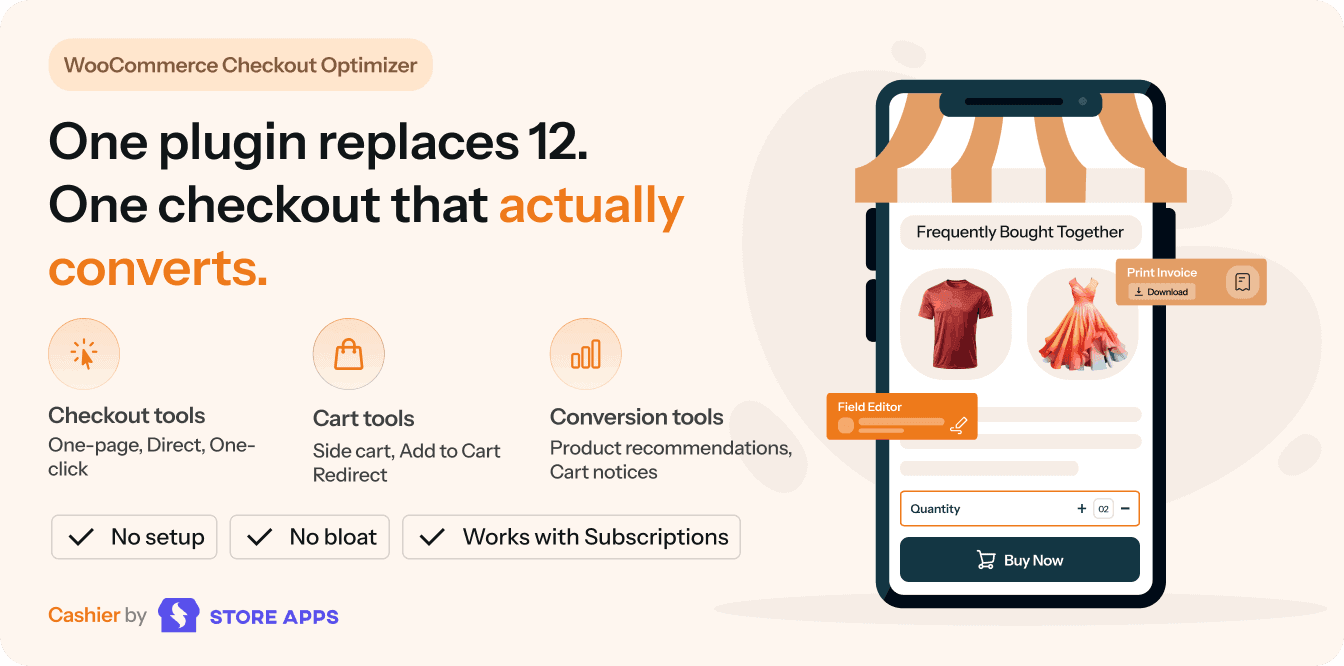
Save $457/year and avoid plugin chaos
A clunky checkout can send customers running. Studies show that over 34% of shoppers abandon their carts due to complicated checkout processes.
Cashier solves this by consolidating over 12 checkout-related features into one affordable plugin, saving you $450+ compared to buying separate tools. Every feature works as a toggle. So enable/disable features as and when needed.
| Feature / Plugin | Competing plugin | Price/yr | Cashier |
|---|---|---|---|
| One-page checkout | WooCommerce One Page Checkout | $39 | Included |
| Direct checkout / Buy Now | Direct Checkout Options Pro | $39 | Included |
| One-click checkout | YITH WooCommerce One-Click Checkout | $79 | Included |
| Checkout field editor | Checkout Field Editor (ThemeHigh) | $49 | Included |
| Side cart/ Slide cart | Fast Cart by Barn2 | $79 | Included |
| Update cart variations | Variations Switcher In Cart | $49 | Included |
| Cart notices | Cart Notices | $49 | Included |
| Add-to-cart redirect | Add to Cart Redirect | $29 | Included |
| Empty cart | Empty Cart Button Pro | $39 | Included |
| Frequently bought together | WPC Frequently Bought Together | $29 | Included |
| PDF invoices | PDF Invoices | $79 | Included |
| Min-max quantity | Min/Max Quantities | $49 | Included |
| Total Price | $149 |
StoreApps plugins don’t just work, they wow users 💗
I use quite a few WordPress plugins on my websites and I must say that the support provided for Smart Coupons is exceptional. You can rely on a prompt workable solution which enables you to quickly resolve issues. – Gerrit Olivier
Managing my store is now 20 or 30 times quicker!. I’ve got over 200 products and dreaded managing them one by one. Smart Manager Pro plugin lets me do this so much quicker. Probably 20 or 30 times quicker. – Brian Batcher
StoreApps have excelled themselves with Affiliate for WooCommerce. Not only does the plugin handle traditional affiliate requirements BUT it also handles genuine multi-level commissions for MLM applications. – Jack AH
My company was looking for a plug-in for our website to add an upsell pop-up. After reviewing a couple of different plug-ins, we chose Smart Offers from StoreApps and are happy we did. We purchased 1-year license and in that year, our pop-ups have grossed over $20K!! – Seth Reynolds
I searched for many plugins, but every time there were too many options without a very simple and clear one, that is having just a thank you page created by me, without any predefined layout. Custom Thank You Page for WooCommerce plugin solved everything. – Marcello Chiapponi
I’ve tried some other FBT plugins and each time it was complicated to set up. StoreApps FBT (Frequently Bought Together) plugin is plug and play, and when you don’t have a lot of time to set up each product or when you have lots of products it’s a relief! – Roman Cassanas
Checkout tools – Provide friction-free purchase path
By consolidating checkout fields and bringing the payment form closer to the user, you remove the roadblocks that stand between a visitor and a completed sale.
-
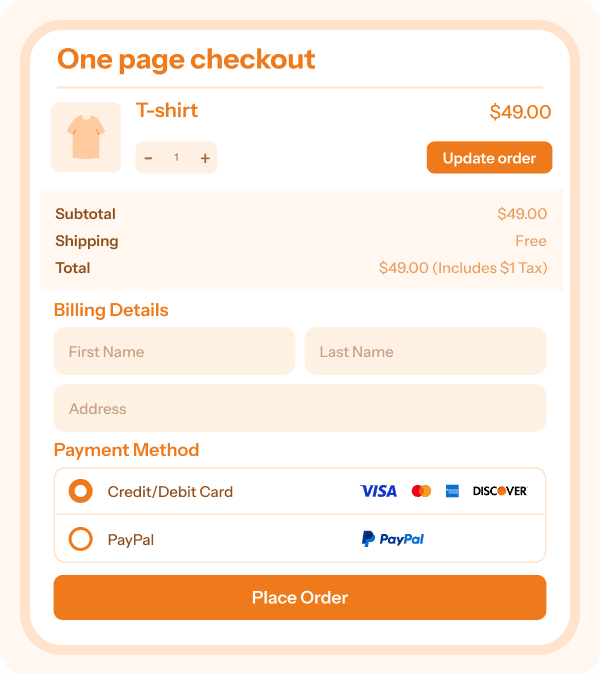
Frictionless, single-page buying with zero redirects.
Let customers pick products, adjust quantities, and complete their purchase all on one screen. Enable it on any page or based on specific products and categories.
Fully compatible with simple, variable, and subscription items.
One page checkout works best for digital courses, high-ticket items, and webinar registrations.
One page checkout
-
Bypass the cart entirely for instant conversions using ‘Buy Now’ buttons. Send shoppers straight from the product page to payment.
Enable ‘Buy Now’ buttons store-wide or per product, customize the button text, and even pre-set shipping methods or auto-apply discounts via unique links.
Share these Buy Now links in emails, blogs, or social media to capture sales anywhere.
D2C campaign pages, ebooks, and subscription sign-ups are well suited for direct checkout.
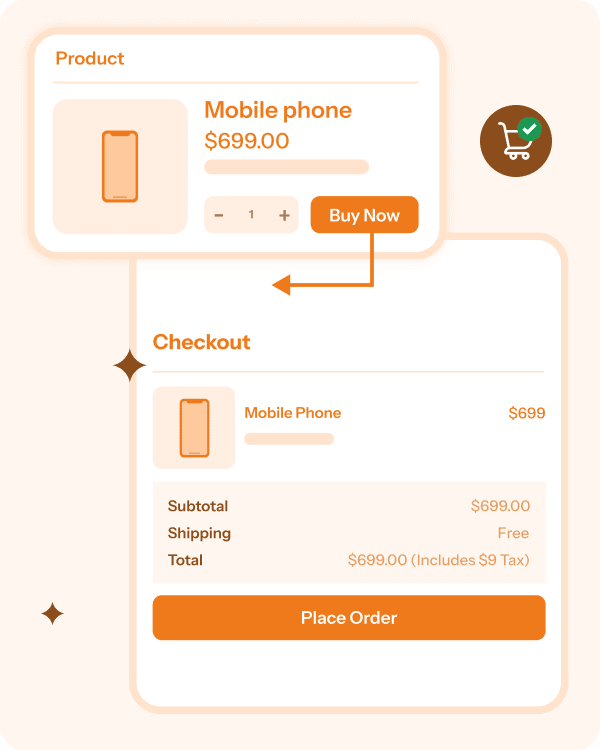
Direct checkout
One-click checkout
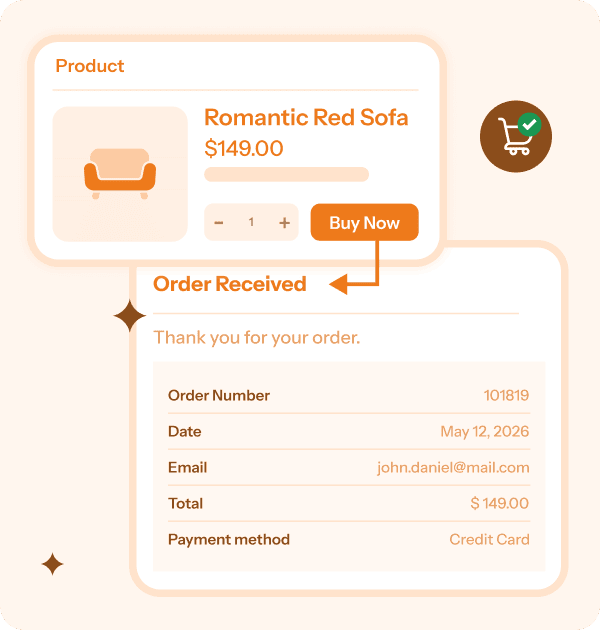
Zero-friction repeat buying for returning customers. Cashier securely remembers their billing, shipping, and payment preferences, letting them checkout in a single click without filling out forms again.
Supports Stripe, PayPal, Braintree, Authorize.net, and offline methods.
One click checkout is ideal for essentials, pet supplies, groceries, and recurring subscription renewals.
Checkout field editor
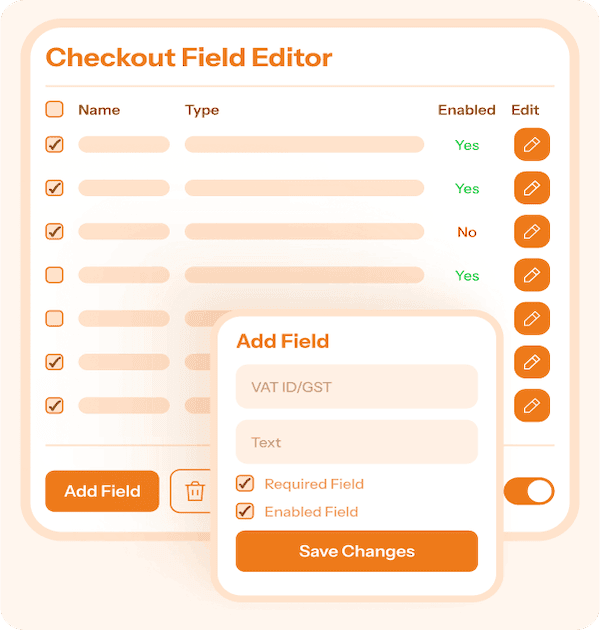
Tailor your checkout form without touching code. Add, remove, reorder, or modify any field across billing, shipping, and additional sections.
Easily insert VAT/GST fields, custom dropdowns, radio buttons, or text boxes. Strip away unnecessary fields to speed up checkout.
Best for B2B stores collecting tax IDs, donation sites, and brands needing special delivery notes.
Cart tools – Modernize the shopping experience
Traditional cart page reloads disrupt the shopping flow. Give your store an interactive, modern cart experience that handles updates instantly and nudges customers to keep browsing.
-
An interactive cart that never interrupts the shopping experience.
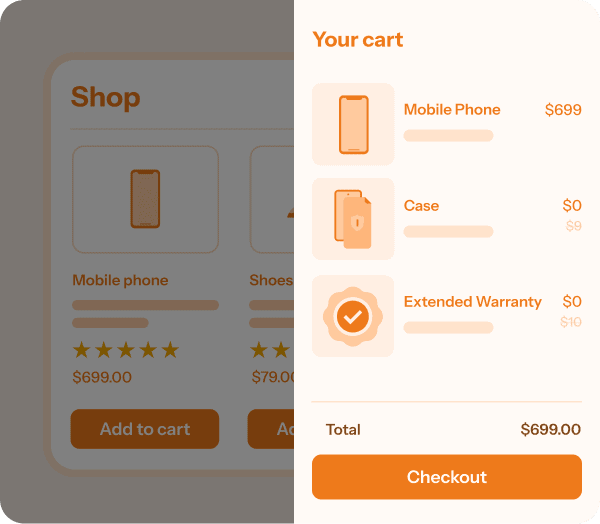
An AJAX-powered cart slides into view the moment a product is added — no annoying page refreshes. Customers can adjust quantities, apply coupon codes, and proceed to checkout instantly, then slide it away to keep browsing.
For multi-product stores, FMCG, and boutiques where customers buy multiple items, side cart is a valuable addition.
Side cart
-
Let users change sizes or colors without leaving the cart.
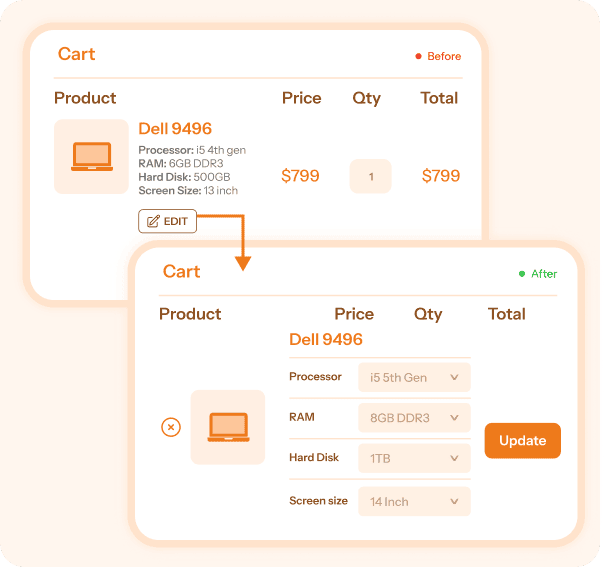
Eliminate the frustrating back-and-forth. If a customer changes their mind about a color, size, or storage space, they can update the product variation directly inside the cart instead of deleting and re-adding the item.
An ideal option for apparel brands, footwear, cosmetics, and variation-heavy catalogs to save users’ time and prevent them from abandoning the cart.
Update variations in cart
-
Nudge shoppers toward higher spend thresholds.
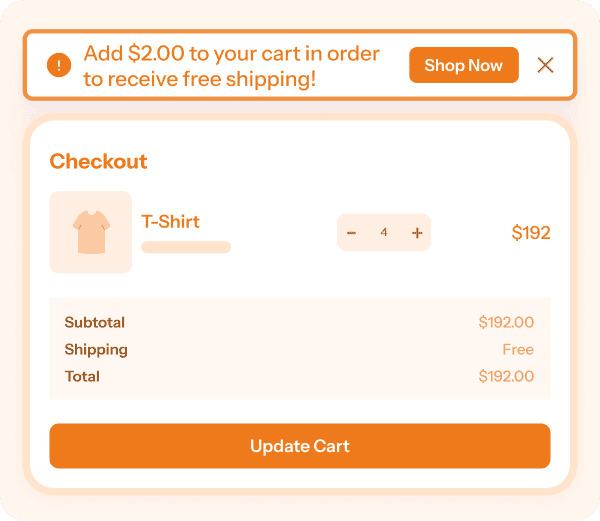
Display targeted messages in the cart (e.g., “Add just $2 more to unlock Free Shipping!”). It’s a proven, non-intrusive way to motivate users to add one more item before paying.
For physical stores looking to boost average order value, free shipping is a solid bait to nudge customers in spending more.
Cart notices
Add-to-cart redirect
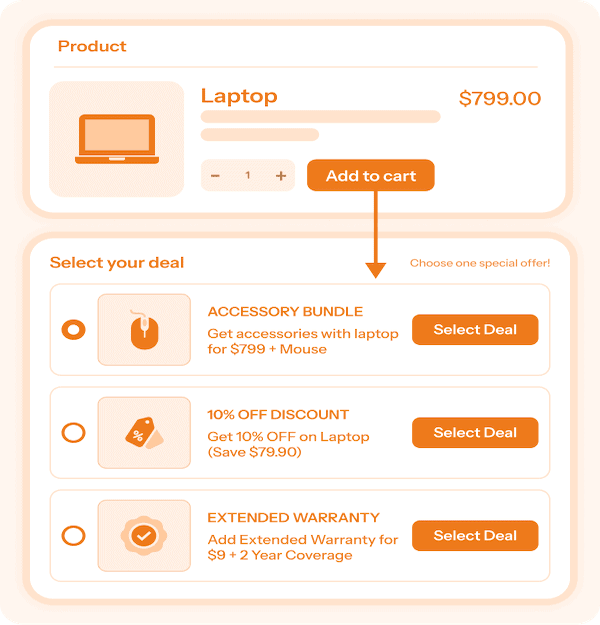
Control exactly where your customers go next. Instead of keeping users on the product page, automatically route them to a specific URL the moment they click “Add to Cart.”
Send them to a dedicated checkout, a high-converting landing page, or a special upsell offer page.
Empty cart
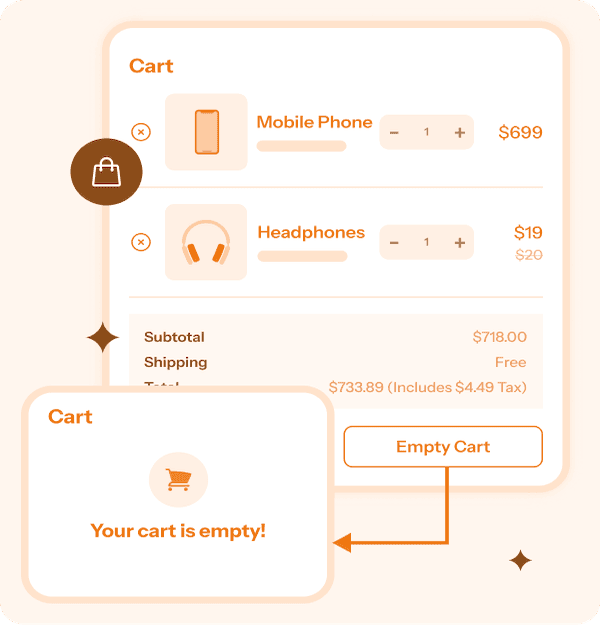
Give users a quick way to clear their entire cart instantly with a single click. Best for wholesale buyers and mega-stores with large cart sizes.
A built-in confirmation prompt ensures users actually want to reset their session before clearing the cart.
Conversion & operational tools – Maximize average order value
Boost your revenue per customer while saving hours on backend management. This suite of operational tools helps you seamlessly track profit margins and handle routine store admin automatically.
Frequently bought together
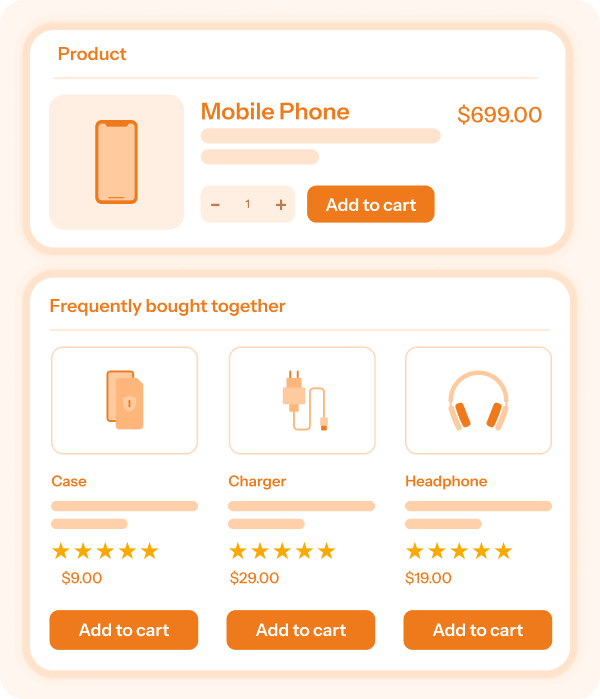
Boost average order value (AOV) on autopilot. Auto-suggest complementary products based on buying history or categories.
Shoppers can add the recommended bundled products to their cart with one click, saving you from manually setting up complex upsells.
PDF invoices
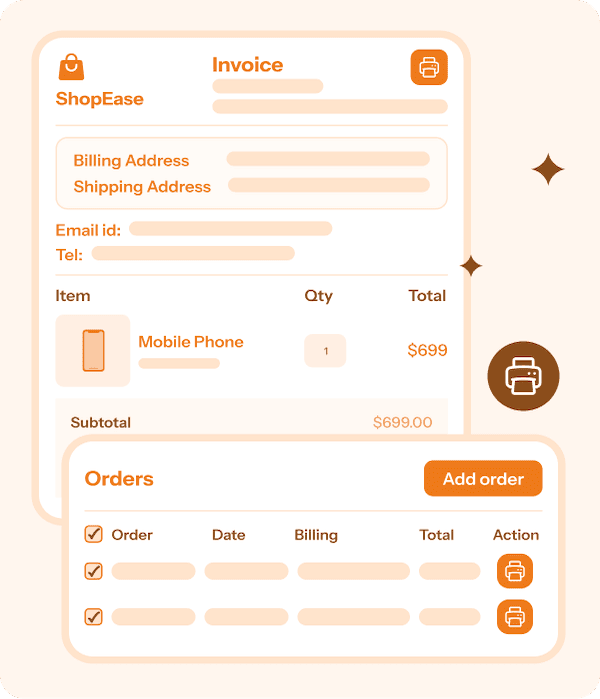
Automatically generate PDF invoices for orders that store admins can print or customers can download directly from their “My Account” dashboard.
The invoices include all essential order details and tax breakdowns required for legal compliance. Most suited for B2B buyers, international exports, and corporate clients.
Min-Max quantity
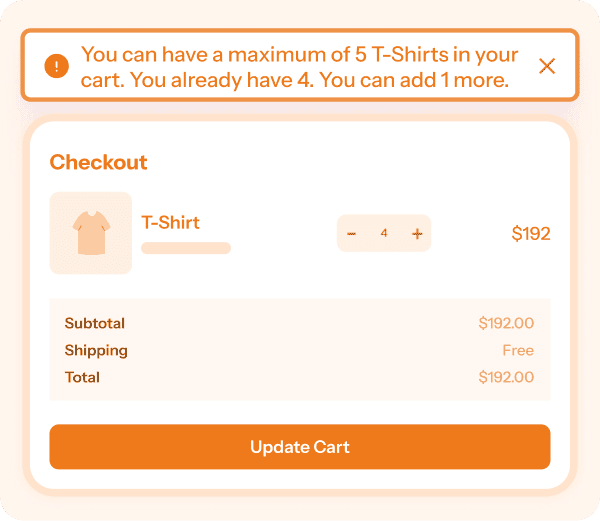
Enforce minimum order thresholds to guarantee profitability on low-margin items, or cap maximum quantities to prevent stock hoarding and ensure fair distribution.
Best suited for Wholesale operations, bulk suppliers, and limited-edition product drops.
Cost of goods sold
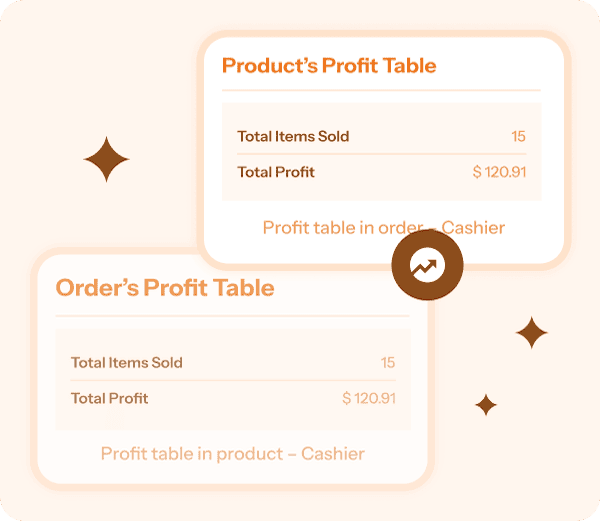
Cashier automatically calculates your actual profit per product and order by stripping out shipping and taxes, giving you a crystal-clear look at your profit margins.
Use either WooCommerce’s native COGS or Cashier’s built-in COGS. No duplicate data entry.
Cashier for WooCommerce Pricing
Save more money every year with Cashier
Checkout friction is always costing you sales. Cashier is here to eliminate that. It builds trust, speed and clarity into every WooCommerce checkout step. Get product updates, improvements and top-notch customer support.
Use on one site. Renews annually.
For agency and enterprise needs, reach out.
30-days money back policy
Get refund if plugin is broken, and if we do not solve it in reasonable time, after mutual communication. Renewals, problems due to third-party plugins / code / themes / hosting, etc. do not qualify for a refund. Please read all our terms here.
Frequently asked questions
- How to customize WooCommerce checkout page via code?
-
You can edit the WooCommerce checkout page via coding using checkout templates, CSS, checkout hooks and custom code. Here’s how.
- What is WooCommerce checkout shortcode?
-
[woocommerce_checkout] is the shortcode to display the checkout page.
- What’s the difference between one page checkout and one-click checkout?
-
One page checkout combines product selection and checkout on a single page. One-click checkout allows returning customers to purchase using their saved information without filling out forms again.
- Will Cashier slow down my WooCommerce store?
-
No. Cashier replaces multiple standalone plugins with a single plugin, reducing plugin overhead and simplifying maintenance.
- Can I skip the cart page and send customers directly to checkout?
-
Yes. Cashier’s ‘Direct Checkout’ feature lets you add Buy Now buttons and send shoppers directly to checkout, reducing friction and speeding up purchases.
- What are WooCommerce checkout hooks?
-
Checkout hooks help you add or remove elements from the checkout page There are 28 of them. Learn more.
- How to edit the WooCommerce cart page?
-
You can customize the cart page using plugins or using the cart hooks.
- Can I use only the features I need?
-
Yes. Every Cashier feature works independently. Enable only the checkout, cart, or conversion tools you need and keep everything else disabled.
- Can I add VAT, GST, tax ID, or custom business fields?
-
Yes. The ‘Checkout Field Editor’ feature allows you to add custom text fields, dropdowns, checkboxes, and business-specific fields such as VAT or GST numbers.
- Can I use only the features I need?
-
Yes. Every Cashier feature works independently. Enable only the checkout, cart, or conversion tools you need and keep everything else disabled.
Buy with confidence – you’re in good hands
- You’re buying from the best!
-
Rest assured that you will be well taken care of when you buy from StoreApps.
- Top selling plugins for marketing and store management
- Official WooCommerce and GoDaddy partner
- Founded in 2011, one of the early Woo third party developers
- 40k+ customers, 300k+ users, millions of downloads
- Consistent 5 star review ratings
- WordPress community contributor, sponsor, speaker.

- Friendly support from top quality developers
-
Our plugins are easy to use. We also have ample documentation. But whenever you need further assistance, you will get support from the same people who develop these plugins! We make sure you succeed!